The era of expensive camera gear and “stage fright” is over. Whether you are a corporate trainer, a YouTuber, or a small business owner, AI video synthesis has reached a point where you can generate hyper-realistic, human-led videos in minutes. This guide explores how to leverage DeepBrain AI Studios to scale your video production without ever stepping in front of a lens.
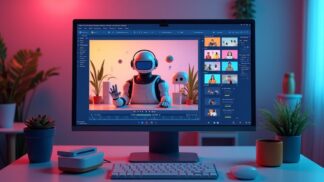
How do you make an AI video fast?
To create a studio-quality AI video in under 5 minutes, follow these four steps:
- Select a Template: Choose a pre-made layout for your industry (News, Training, Social Media).
- Choose an AI Avatar: Select from 100+ photorealistic digital humans that match your brand’s persona.
- Input Your Script: Type your text or upload a PDF/PowerPoint to automatically generate a script.
- Generate & Export: Review the lip-syncing and download your high-definition (1080p/4K) video.

Why DeepBrain AI?
Google’s Experience, Expertise, Authoritativeness, and Trustworthiness (E-E-A-T) guidelines prioritize content that demonstrates real-world utility. In the landscape of AI video, DeepBrain AI stands out because it focuses on non-verbal cues—the subtle blinking and hand gestures that make an avatar feel human rather than “uncanny.”
Key Features for Professional Results:
- PPT to Video: Upload a deck, and the AI converts slides into a cohesive presentation.
- Multi-Language Support: Localize your content instantly in 80+ languages.
- Custom Avatars: Enterprise users can create a “Digital Twin” of their actual CEO or spokesperson.
Traditional Production vs. AI Studios
| Metric | Traditional Studio | DeepBrain AI Studios |
|---|---|---|
| Production Time | 2–4 Weeks | < 5 Minutes |
| Cost per Video | $1,000 – $5,000+ | Price of a few lattes |
| Editing Effort | High (Professional Required) | Low (Drag-and-Drop) |
Step-by-Step Guide: From Prompt to Premiere
1. Contextual Scripting
Don’t start from scratch. Use the built-in ChatGPT integration within AI Studios to brainstorm. If you have a blog post, simply paste the URL, and the AI will extract the key talking points for your avatar.
2. Selecting Your Virtual Talent
Match the avatar to your audience. A medical explainer video may require an avatar in scrubs, while a financial report warrants a formal suit. DeepBrain offers a diverse library to ensure representation and brand alignment.
3. Refining the Performance
You can control the speed, pitch, and pauses of the speech. This is crucial for educational content where pacing is the difference between a student staying engaged or clicking away.
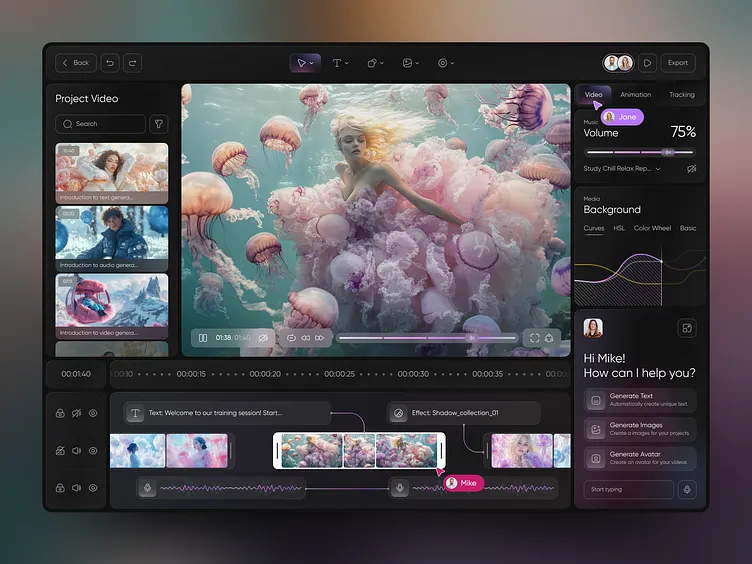
Take Action: Start Your First Project
The best way to understand the power of generative AI is to see your own words spoken by a digital human. You can begin experimenting with the tool via the link below.
Try DeepBrain AI Studios for Free
Affiliate Disclosure: This guide contains affiliate links to DeepBrain AI. If you choose to upgrade to a paid plan, I may receive a small commission at no additional cost to you. This helps support the creation of free guides like this one.
