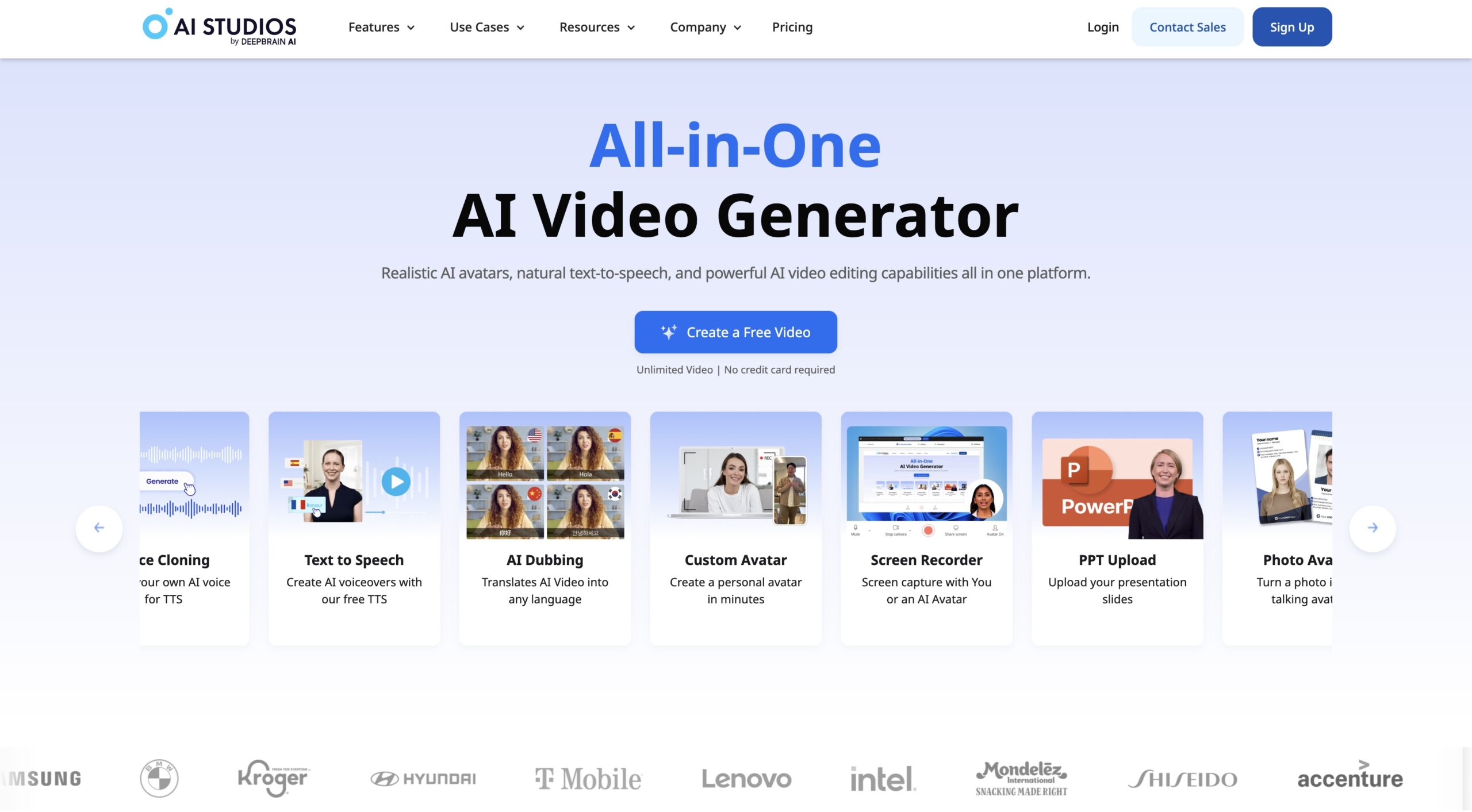
Yes, you can use AI Studios for free—but only in a limited trial mode.
The free version lets you explore the platform, test AI avatars, and preview features, but exporting usable videos requires a paid plan.
That distinction matters, especially if you’re evaluating AI Studios for real content creation rather than casual experimentation.

What Is AI Studios?
AI Studios is a browser-based AI video creation platform developed by DeepBrain AI. It allows users to generate realistic talking-head videos using AI avatars—without cameras, microphones, studios, or actors.
It’s widely used for:
- Marketing and explainer videos
- Online courses and training
- YouTube and social content
- Business presentations
- Internal communications
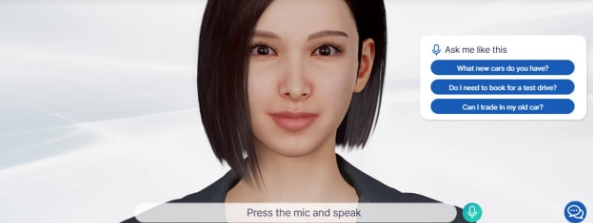
The key appeal is realism. AI Studios focuses heavily on human-like facial expressions, lip-sync accuracy, and natural speech, not cartoon avatars.
What You Get With the Free Version of AI Studios
The free option is best described as a hands-on demo rather than a complete production plan.
Included in the Free Trial
- Access to the AI Studios dashboard
- Ability to test AI avatars
- Script input and scene setup
- Feature exploration
Limitations to Know
- Videos cannot be exported for real-world use
- Output may include restrictions or watermarks
- Limited video length and credits
- Not suitable for publishing or client work
In short, you can try it, but you can’t deploy it.
AI Studios Free vs Paid Plans (Clear Comparison)
Why AI Studios Doesn’t Offer a Fully Free Plan
This is a common question—and the answer is practical.
AI Studios uses:
- High-fidelity avatar rendering
- Advanced speech synthesis
- Real-time video generation
Those processes are computationally expensive. Unlike text tools, video AI has real infrastructure costs, making unlimited, free usage unrealistic.
Instead, AI Studios uses the free tier to:
- Let users validate quality
- Reduce buyer uncertainty
- Encourage informed upgrades
That’s a healthier model than bait-and-switch “free forever” tools that underdeliver.
Is AI Studios Worth Paying For?
If your goal is publishable video content, the answer is yes—for the correct use cases.
AI Studios is firm for:
- Course creators who want consistent presenters
- Marketers producing repeatable video assets
- Businesses replacing on-camera recordings
- Creators who value realism over gimmicks
It’s less ideal if you only need:
- One-off meme videos
- Cartoon animation styles
- Ultra-casual social clips
Ethical Affiliate Disclosure
If you decide to upgrade, this link supports my work at no extra cost to you:
| Feature | Free Trial | Paid Plan |
|---|---|---|
| AI Avatars | Limited access | Full library |
| Video Export | No | Yes (HD/Pro) |
| Commercial Use | No | Yes |
| Video Length | Restricted | Extended |
| Support & Updates | Basic | Priority |
I recommend AI Studios because of its realism, reliability, and professional output, not because it’s “free.”
FAQ
Can I use AI Studios for free forever?
No. The free version is a trial only and does not allow full video exports.
Does AI Studios add watermarks?
Trial outputs may be restricted. Paid plans remove these limitations.
Is AI Studios good for beginners?
Yes. The interface is beginner-friendly, with no editing or filming experience required.
Is AI Studios better than other AI video tools?
For realism and human-like avatars, AI Studios is considered one of the strongest options available.
Final Verdict,
You can use AI Studios for free—but only to evaluate it.
If you’re serious about creating professional AI-generated videos that look human, sound natural, and scale with your content strategy, the paid plans are where AI Studios truly shines.
The free version answers one question only:
“Is this good enough for me?”
For many creators, the answer is yes—and that’s when the real value begins.