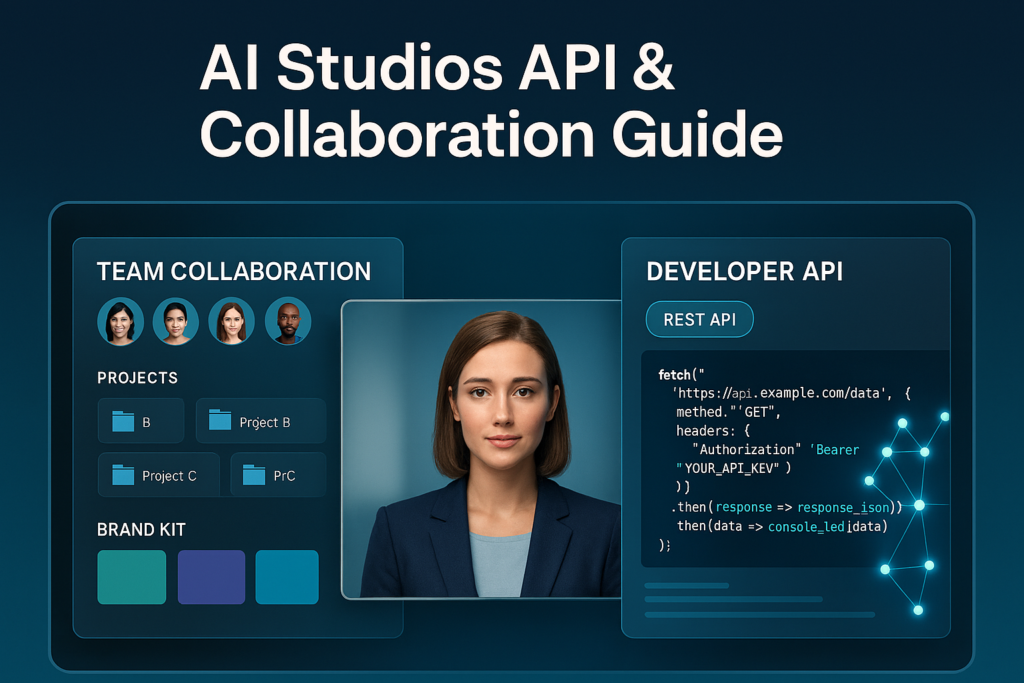
AI Studios supports team collaboration via shared workspaces that sync projects across teammates, and it supports automation via an API for external developers who want to generate videos programmatically. Team workflows focus on shared editing + feedback, while API workflows focus on bulk production and system-to-system integration.
Affiliate Disclosure: This article contains affiliate links. If you choose to try AI Studios through my link, I may earn a commission at no extra cost to you. I only recommend tools that make sense for real workflows.
What “team collaboration” means in AI Studios
Team collaboration in AI Studios is designed around a shared workspace—the place where your videos live, where your teammates can access the same projects, and feedback stays attached to the work instead of scattered across email threads.
According to AI Studios, your projects and your team’s work are synced in the workspace so teammates can edit and collaborate, and the platform supports comments/feedback directly on projects. :contentReference[oaicite:1]{index=1}
On the support side, AI Studios also maintains guidance for inviting teammates and managing roles/access in “Workspace & Teams Management.” :contentReference[oaicite:2]{index=2}
Collaboration features you can expect (in plain English)
Here’s what that usually translates to in day-to-day use:
- A single shared library of video projects inside a workspace (less “which version is the newest?” stress). :contentReference[oaicite:3]{index=3}
- Built-in feedback through comments, so approvals and revisions are tied to the project itself. :contentReference[oaicite:4]{index=4}
- Member management (adding/removing people, roles/access guidance) is supported in the help center. :contentReference[oaicite:5]{index=5}
What does “API integration” mean in AI Studios
If collaboration is about people, the API is about systems.
AI Studios publishes documentation describing APIs for external developers/producers/editors. The docs position the API as a way to minimize manual editing and automate repetitive processes when you need large-scale production, and they note that using the API requires an account and subscription to the API plan. :contentReference[oaicite:6]{index=6}
Real-world API use cases (where it shines)
- Bulk video generation: Create hundreds of consistent videos from a template (product updates, HR training snippets, localized variations).
- CMS-to-video workflows: Turn new blog posts, product pages, or knowledge base updates into short videos automatically.
- Internal tools: Let a team member click a dashboard button to generate a new video without opening the editor.
And if you don’t want to code, AI Studios also highlights an integrations page, and there’s a widely used no-code path via Zapier to connect AI Studios to other apps and automate workflows. :contentReference[oaicite:7]{index=7}
Team collaboration vs API vs no-code integrations
| Option | Best for | What you gain | Watch-outs |
|---|---|---|---|
| Team workspace | Marketing teams, content teams, agencies | Shared projects + built-in feedback loops in one place | Needs consistent naming, permissions, and an approval process |
| API access | Automation at scale, dev-led workflows | Programmatic generation + reduced manual editing for high volume | Requires implementation + API plan subscription :contentReference[oaicite:10]{index=10} |
| No-code automation (e.g., Zapier) | Solo creators, ops teams, quick workflows | Connect AI Studios to common apps without writing code | Complex workflows can get brittle; keep it simple |
How to decide which path you need
Use this rule of thumb:
- If your biggest problem is reviews, revisions, and “where’s the latest version?” → You want the team workspace.
- If your biggest problem is volume (you need dozens/hundreds of videos consistently) → you want the API.
- If your biggest problem is glue (moving files/notifications between apps) → start with integrations/no-code.
Best practices for smooth collaboration (so it doesn’t turn into chaos)
- Set one naming standard for projects (Campaign_Asset_Language_Date) so search works and duplicates drop.
- Use comments as the “single source of truth” for revisions instead of DMs and email threads. :
- Assign roles intentionally (who can edit vs who can approve) and review access as your team grows. :
- Create a template library (intros/outros/brand-safe layouts) so output stays consistent.
FAQs
Can multiple people work on the same AI Studios projects?
AI Studios supports collaboration through a shared workspace where team projects sync, and teammates can leave comments/feedback on projects.
Does AI Studios have an API?
Yes. AI Studios provides API documentation and describes the API as a way to automate repetitive tasks in video production, especially for large-scale production.
Do you need a specific plan for API access?
According to the AI Studios API docs, you need an AI Studios account and a subscription to the API plan to use the API.
Can I integrate AI Studios with other apps without coding?
Yes. AI Studios publishes an integrations page, and Zapier lists AI Studios as an app that can connect with thousands of other tools for automation workflows.
What’s the simplest workflow for a small team?
Start with the workspace collaboration features (shared projects + comments). Add no-code automations only after your team has a stable naming system and approval process in place.
Bottom line
If you’re building videos with more than one person involved, AI Studios’ workspace model is built for collaboration and feedback. If you’re building videos as part of a larger system—or you need scale—the API path is designed to automate production and reduce repetitive work. And if you’re somewhere in the middle, integrations can bridge the gap without turning your workflow into a development project.